Spider GUI
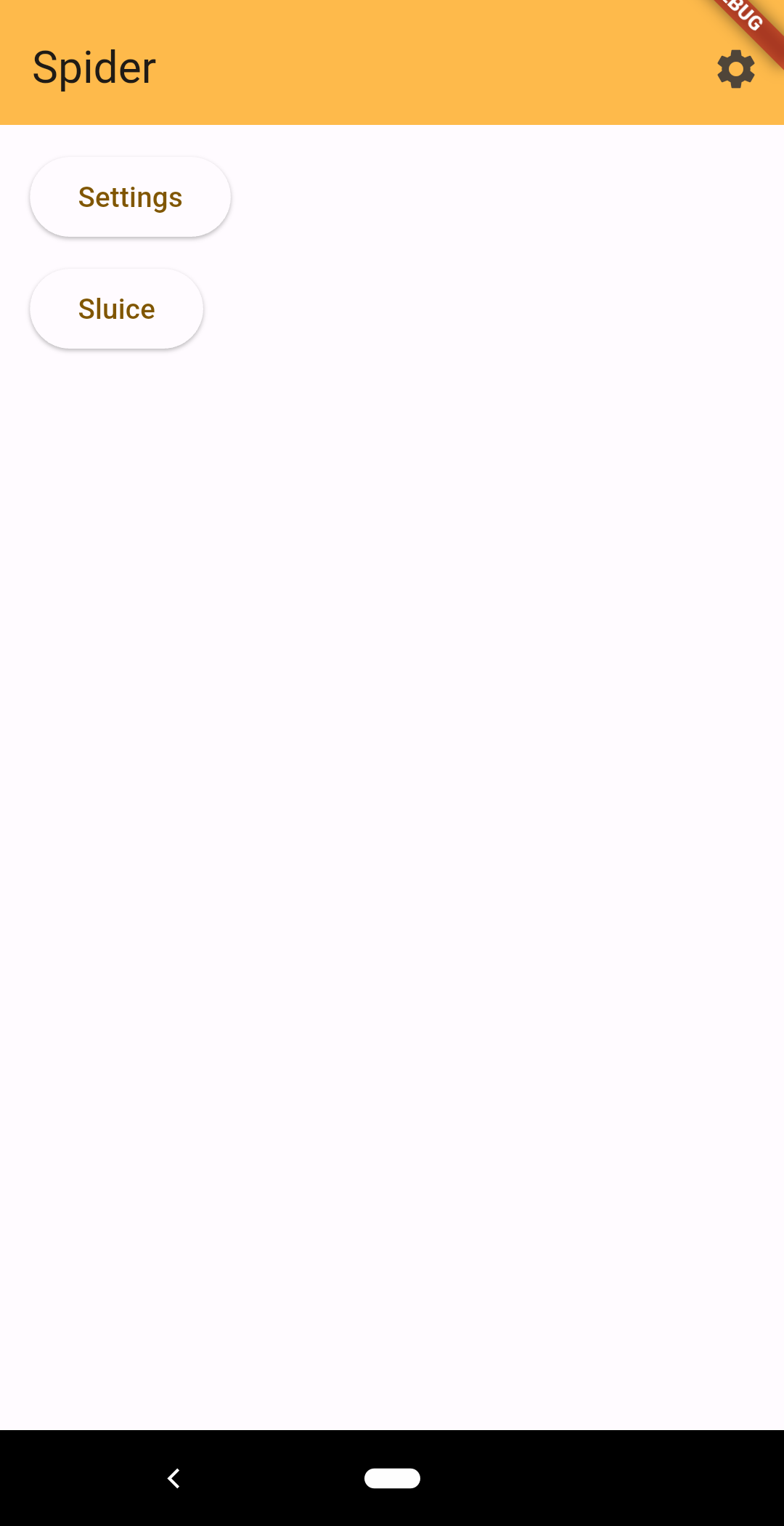
The Spider platform’s base does not have any built in interface. Instead it relies on peripherals to render the UI on its behalf, and provide inputs from the user. Spider GUI is a cross platform program that connects to the base as a peripheral to provide the user interface.
The base allows its peripherals to register a UI page with it. The UI page consists of structured data that holds both layout and content. Peripherals can then update their page with new content or layout. Additionally, a UI page element can be associated with a dataset. This causes that element and its children to be repeated for each item in the dataset. When items are added to or removed from the dataset, they are implicitly added to or removed from the corresponding UI page.
The base also uses the UI page interface to have its own settings page rendered.
Peripherals interact with the UI and dataset functionality through a message based interface. They can send messages to update their UI page, add or remove items from a dataset. To receive either kind of information, peripherals can subscribe to the UI or a dataset to be sent updates. The UI is special because subscribing to the UI will also subscribe and unsubscribe the peripheral to and from datasets that are used by a UI page. The UI peripheral is responsible for keeping track of any updates to all pages or any dataset required by a page to render the UI correctly.
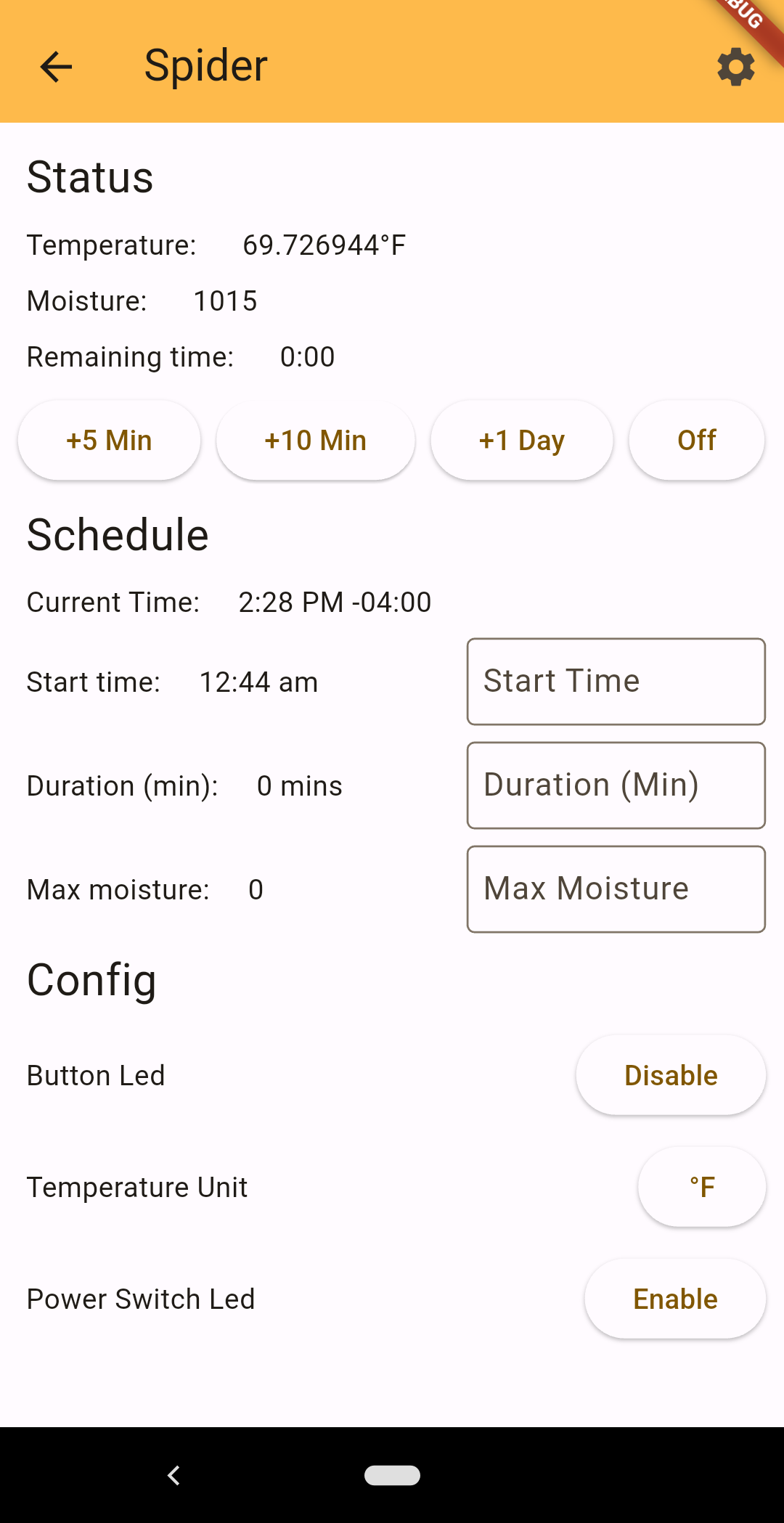
This implementation of a GUI peripheral is built with the Flutter framework, and therefore written in the Dart language. However, since the crate that manages the connection between peripherals and the base is written in Rust there needs to be some translation between the two. Spider GUI uses the Flutter Rust Bridge framework to provide the connection between the two sets of code.
The spider_client crate is not directly wrapped since the GUI also needs to expose the paired and unpaired states. The client starts unconnected and unpaired. To use it, it must first be paired with the base. This is done with a UDP broadcast over the local network. Any available bases may then respond with their key. This allows the user to pair with the correct base on their network. It also puts the client into a paired mode where it remembers the base’s key and will automatically attempt to (re)connect to that base.
Future work will likely come from improvements to the spider_link crate, which would include changes to how connections are managed and established. Although using the phone’s bluetooth to allow other unpaired peripherals to be paired with the base, and connected via wifi, is another possible improvement.